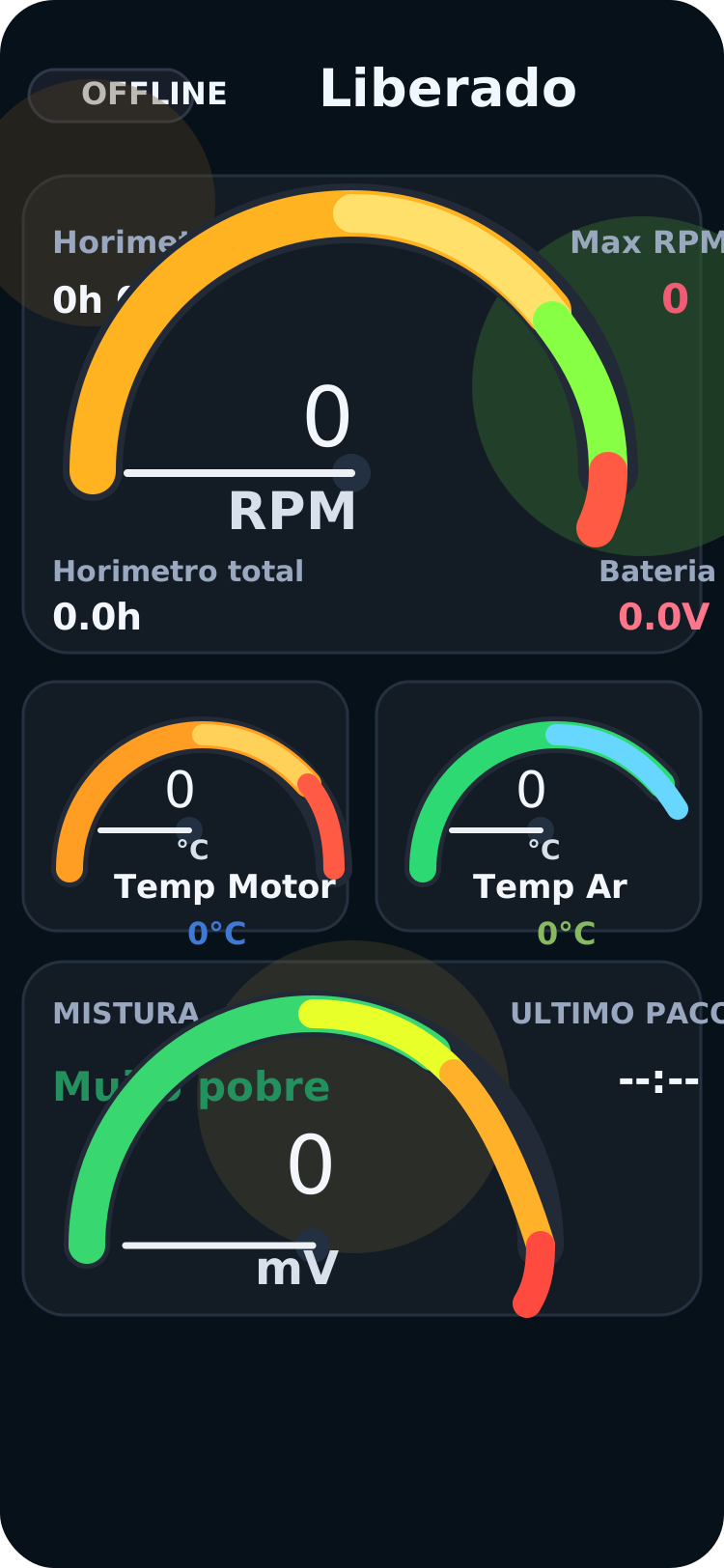
Home overview
Core gauges, RPM, battery, and overall flight status on the main dashboard.
Insight Monitor, built on top of Redfly Monitor, shows live telemetry inside the device app, records each flight session to CSV, and publishes flight data to a server-side layer that can be viewed by anyone holding the token.
Built for field operations, remote visibility, and frictionless post-flight review.
From the live dashboard to file management and settings, the app is built for quick field reading, per-session CSV logging, and direct control over the telemetry source.
Core gauges, RPM, battery, and overall flight status on the main dashboard.
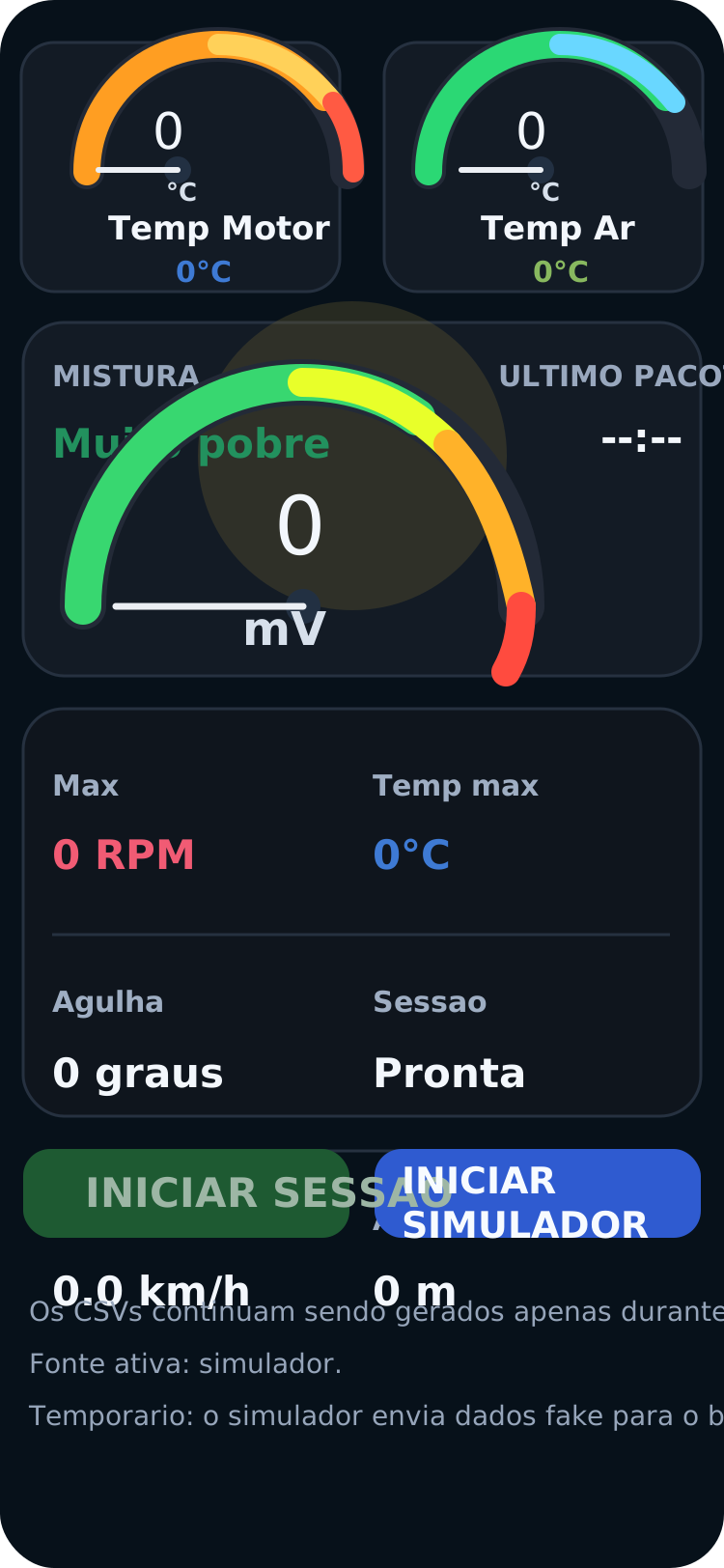
Session actions, simulator controls, and operational indicators in the same flow.
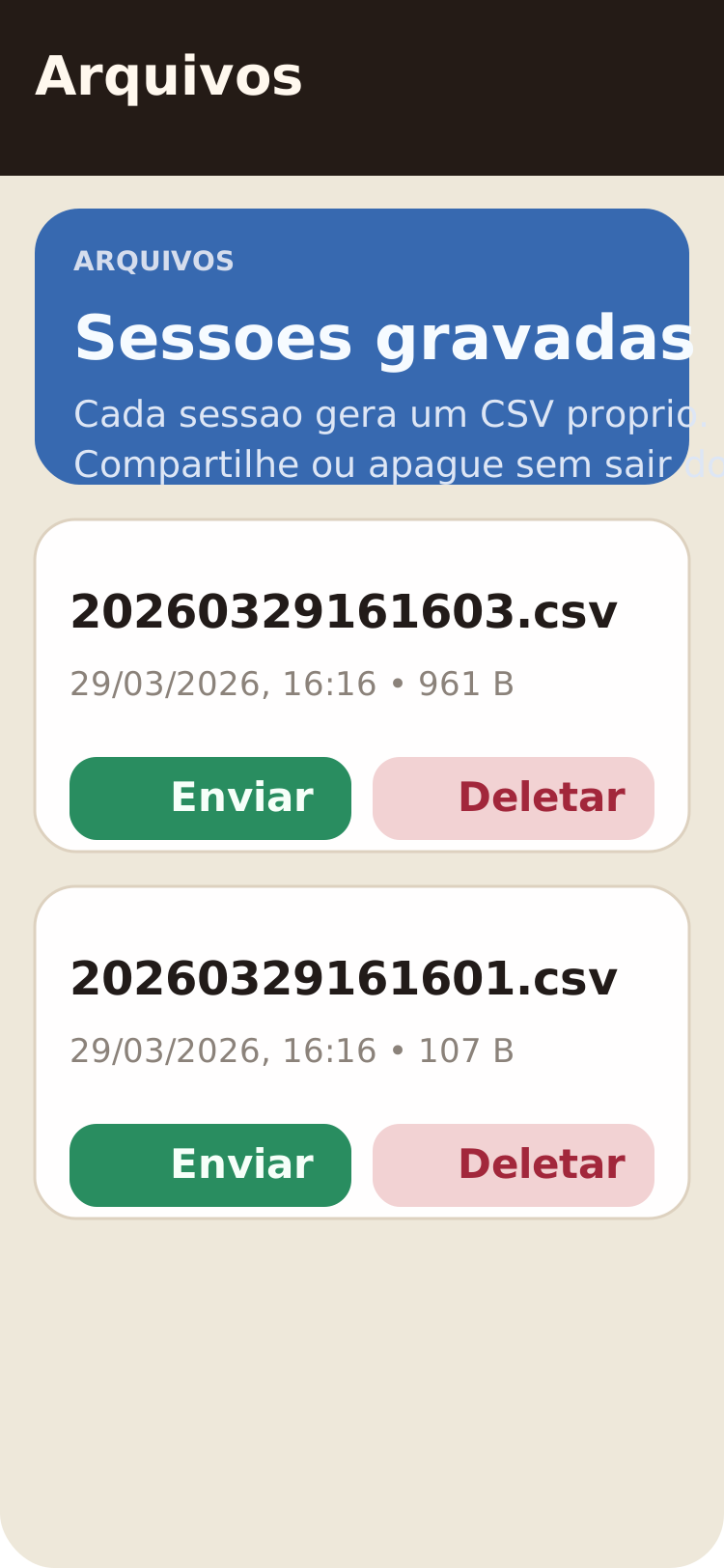
Each session creates its own CSV so you can share or delete it without leaving the app.
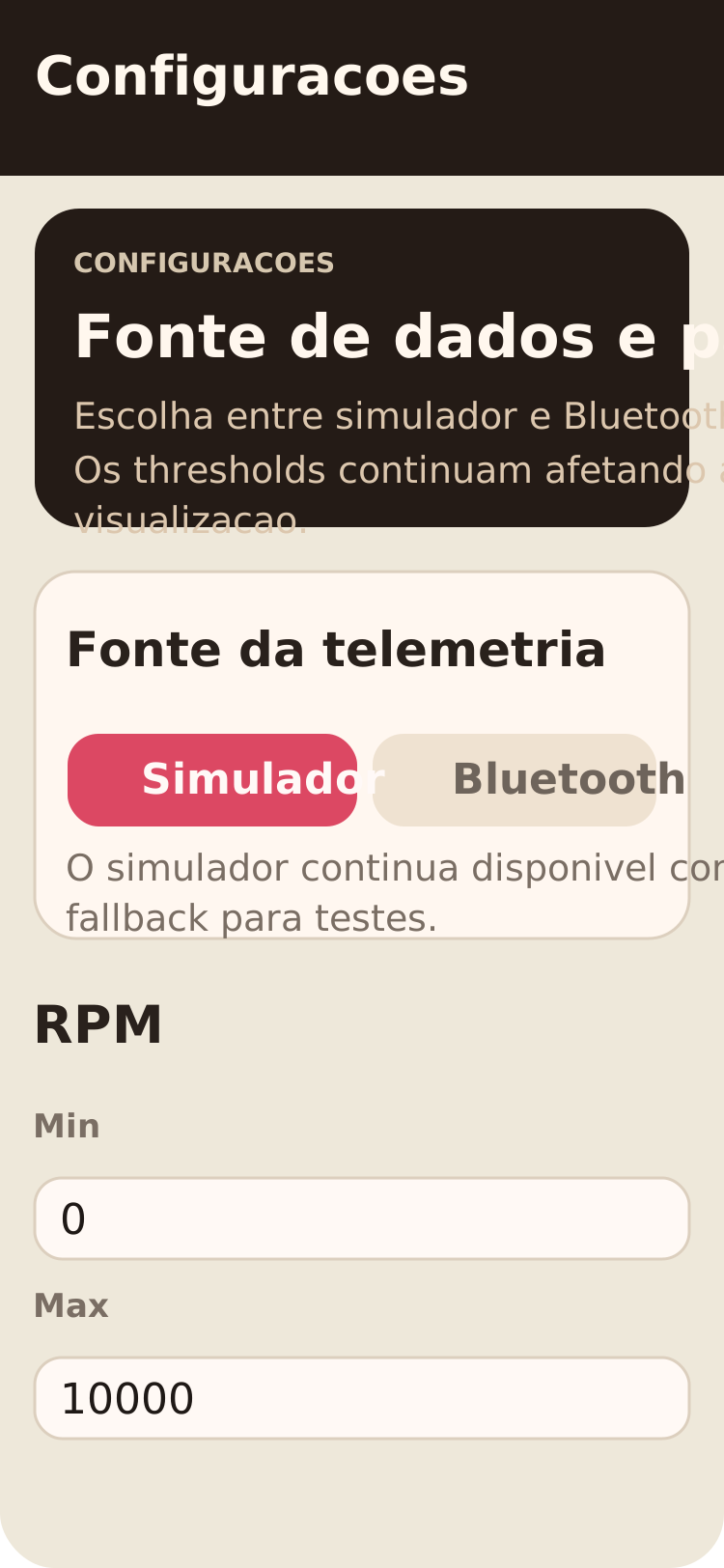
Telemetry source selection and visual panel thresholds in one place.
The landing matches the existing viewer product language: technical interface, session-state focus, and immediate access to what matters during flight.
The app surfaces flight data in real time during operation, including RPM, temperature, battery, altitude, speed, and other telemetry points.
Each flight session can be stored as CSV for auditability, side-by-side comparisons, fast sharing, and later analysis in any tool.
Flight data can be forwarded to the backend and exposed for remote viewing. Anyone with the viewer token can follow the session without touching the device.
The flow connects capture, persistence, and publishing. The operator uses the device app while the remote team watches the session in the browser.
The app receives telemetry, structures the session, and renders real-time indicators directly on the device.
During or after the flight, the full session is preserved as a CSV file for later analysis and operational traceability.
Flight points are sent to the server-side layer, which keeps the live state and exposes a token-controlled public URL.
Anyone holding the token can open `/live/[viewerToken]` or monitor multiple sessions at once in the watchboard.
The same Next.js app still serves the real viewer. The landing sells the product and the main CTA goes straight to `/watch`, where active public sessions can be monitored side by side.
Open the web viewer to see the final remote-publishing flow and follow live sessions whenever telemetry is being streamed.